📌 Publisher Content
This page is designed to provide a structured, educational, and beginner-friendly learning path for DevOps enthusiasts. All tutorials, tools, and examples are for learning purposes only and do not represent live production systems.
Following these lessons helps learners understand DevOps concepts, CI/CD pipelines, Linux operations, Git version control, automation, monitoring, and best practices in a safe, guided environment.
Lesson 1: Introduction to DevOps
Hands-on tutorials and best practices for DevOps workflows.
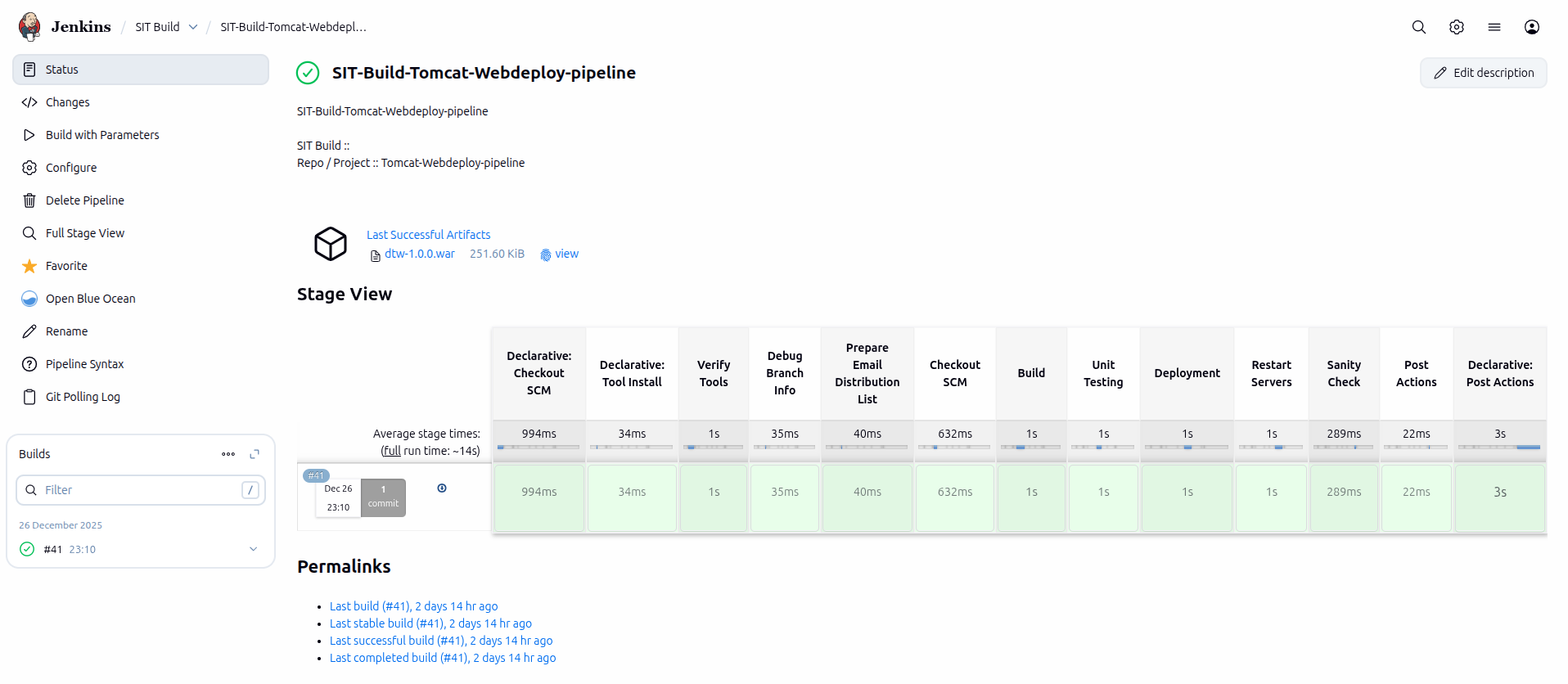

| Tool | Purpose | Example Command |
|---|---|---|
| Jenkins | Automation & CI/CD | Build Job |
| Docker | Containerization | docker run myapp |
| Ansible | Configuration Management | ansible-playbook site.yml |
DevOps is a set of practices that brings software development (Dev) and IT operations (Ops) together to shorten the development lifecycle and deliver high-quality software continuously.
- Continuous Integration (CI)
- Continuous Deployment (CD)
- Infrastructure as Code (IaC)
- Monitoring & Logging
- Collaboration & Communication
Lesson 2: Linux Basics for DevOps
Linux is the backbone for DevOps pipelines. Key commands and concepts:
- File operations: ls, cd, cp, mv, rm
- Permissions: chmod, chown, sudo
- Package management: apt, yum, dnf
- Process monitoring: ps, top, htop
- Networking: netstat, ping, curl
Lesson 3: Version Control with Git
Git is the standard version control tool in DevOps. Basics:
- git init, git clone
- git add, git commit, git push, git pull
- Branches: git branch, git checkout
- Merge & Resolve conflicts
- Remote repositories: GitHub, GitLab
Lesson 4: Continuous Integration & Deployment (CI/CD)
Automating builds, tests, and deployment improves speed and reliability:
- CI Tools: Jenkins, GitHub Actions, GitLab CI
- Build Pipelines: compile, test, package
- Deployment: automated to staging/production
- Monitoring pipelines & logs
Lesson 5: Monitoring & Automation
DevOps requires constant monitoring and automation for efficiency:
- System Monitoring: CPU, Memory, Disk, Network (Nagios, Zabbix)
- Application Monitoring: Logs, Uptime, Response time
- Automation: Scripts, Cron Jobs, Jenkins Jobs
- Alerting & Notifications